Tulum, Yucatán & Quintana Roo Google Maps
$14.00
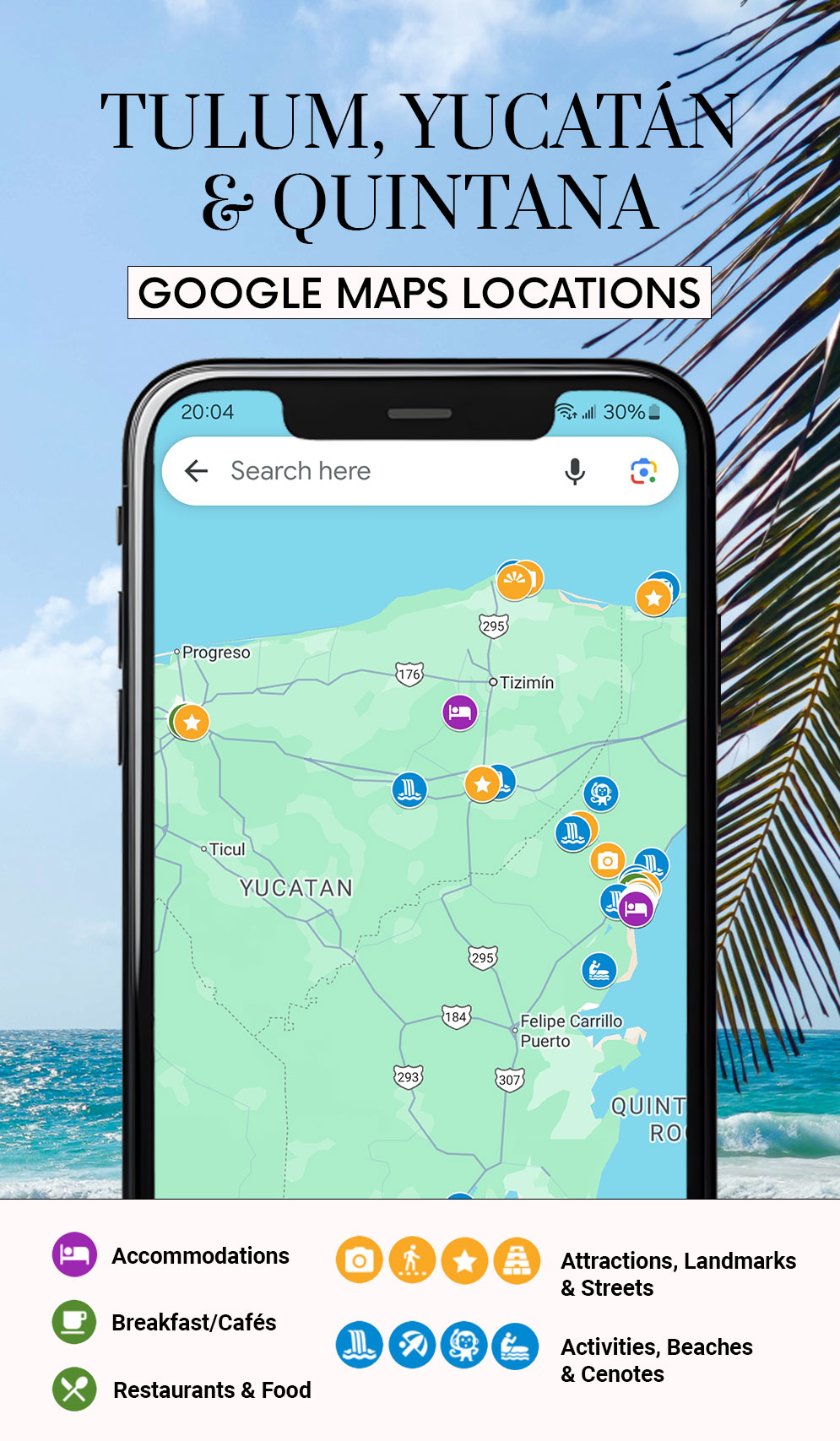
Get access to my private Tulum, Yucatán & Quintana Roo Google Maps locations! 🌴 🇲🇽
I’m making travel even easier for you by giving you access to my private Tulum, Yucatán & Quintana Roo Google Maps! Have all my tips, recommendations, and unpublished spots inside your Google Maps with a few clicks.
This Tulum, Yucatán & Quintana Roo Map includes over 65+ locations(!) including:
- The map focuses on Tulum, but includes other spots in the Yucatán and Quintana Roo state.
- My favorite accommodations that are in the center, but quiet and far away from the crowds.
- Lesser known areas like Valladolid, Las Coloradas, and Bacalar.
- My favorite cenotes, beaches, and photo spots.
- Experiences like bio reserves, art installations, lagoon tours, sanctuaries, massages and more.
- Towns, markets/shops, beach bars and canopy bars.
- My favorite cafés, lunch, and dinner spots.
- Free in-app updates when we explore new parts of Tulum, Yucatán & Quintana Roo.
- Lifetime access (meaning there’s no limit to using it).
Stop spending time pinning all my recommendations and instead easily add them to your Google Maps on your phone & laptop.
Once your purchase has been made, you will receive an invitation to join my private Google Maps Locations and an easy instruction manual on how to access the map.
Note: At checkout, you need to provide your Google Maps account email address. I will grant access to that email address for the Google Maps Locations. You will receive the map within 24 hours of purchase.
Description
How to install? Installation is easy! After purchasing, you get direct access to my Google Maps Locations. To make it even easier you can follow a really short installation guide (PDF) that is included in your download. Why is this helpful for me? Understandably, you want to save the tips you read on my travel blog; a great place to save them is on Google Maps. However, it can be very time-consuming to find all the correct locations. Now you can simply add all locations with a few simple clicks by getting access to my private Google Map! What are Google Maps locations?
By downloading my Google Maps Locations for a country, you will see my pointers in your Google Maps on your phone or laptop. The great thing is that when I add more places, your map will automatically be updated as well!
What device can I use this on?
The map is accessible on any device that supports Google Maps. At checkout, you provide us with your Google email address. You need to be logged into that Google account on your device in order to load the map.


Reviews
There are no reviews yet.